Youtube
 Join our Discord

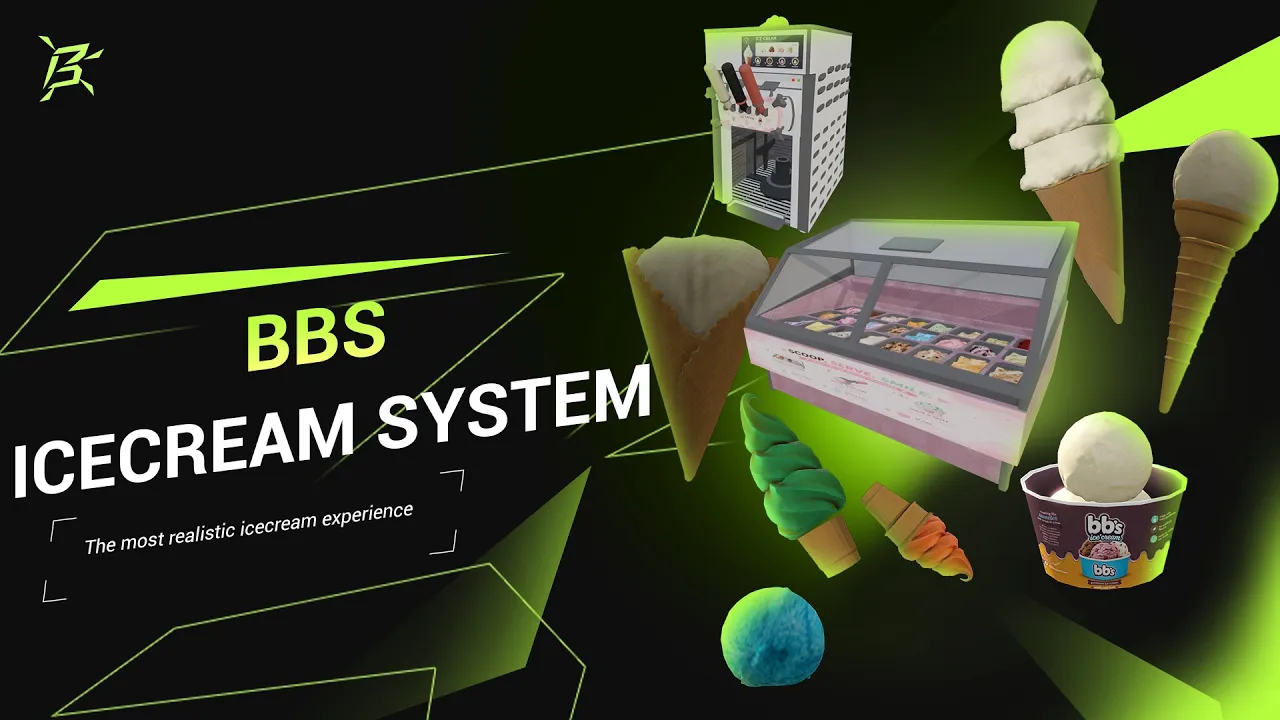
BBS Ice Cream System
A complete, framework-agnostic FiveM ice cream job resource with interactive displays, animated soft-serve dispensers, blend production, hands-on decoration, customer orders, stock management, and fully assembled inventory items.
- Build cones and dessert cups with individually selected scoops
- 24 display flavours, 8 dispenser blends, 15 cone variants, and 14 toppings
- Interactive blender, display, dispenser, and decoration workstations
- Customer ordering, chef order pads, busy locks, and refill dashboards
- Framework, inventory, target, notification, progress bar, and job bridge support
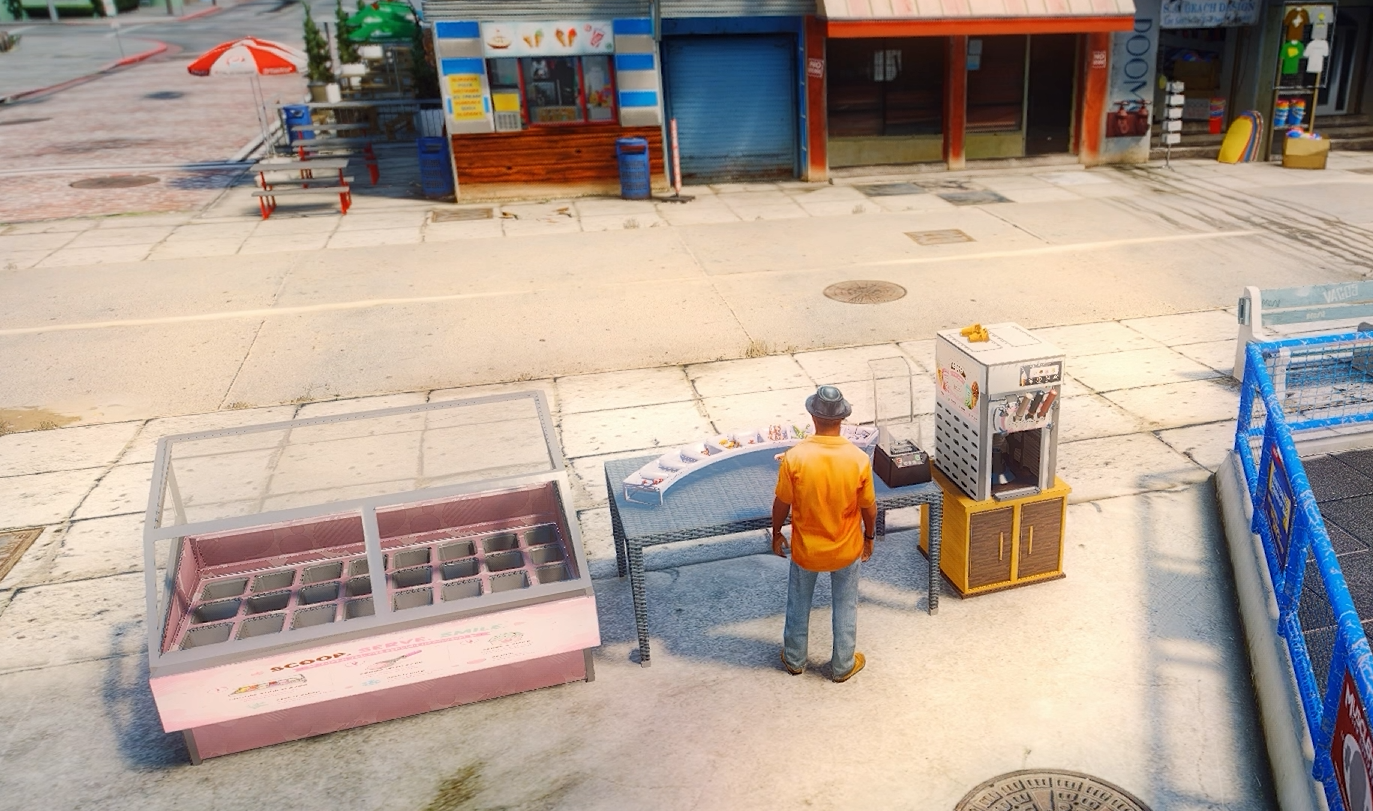
Interactive Ice Cream Display & 24 Flavours
Prepare hand-scooped ice cream directly from a fully stocked physical display, with every flavour assigned to its own persistent tub.
- 24 flavours including classics, fruit, premium desserts, coffee, kulfi, rose, and pistachio
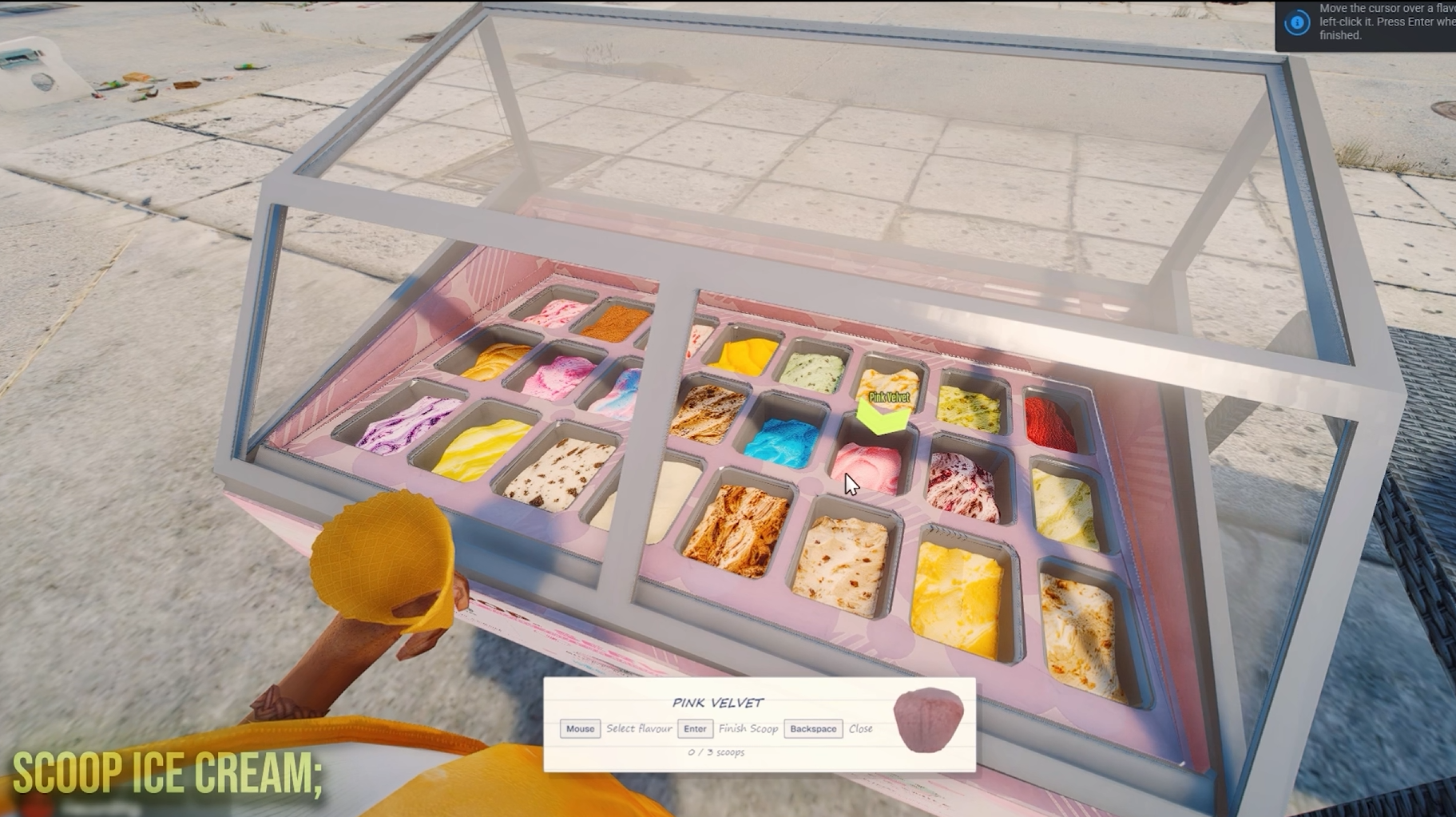
- Forced preparation camera keeps every available flavour clearly visible
- Move the cursor over a tub to select the exact flavour
- Choose a different flavour for scoop one, two, and three
- Supports display cones, a one-scoop small cup, and a three-scoop large cup
- Each tub has five uses before it becomes empty and requires refilling
- Physical flavour props lower after every scoop to display the remaining stock
- Empty tubs cannot be selected until matching refill stock is added
- Flavour stock persists across resource and server restarts
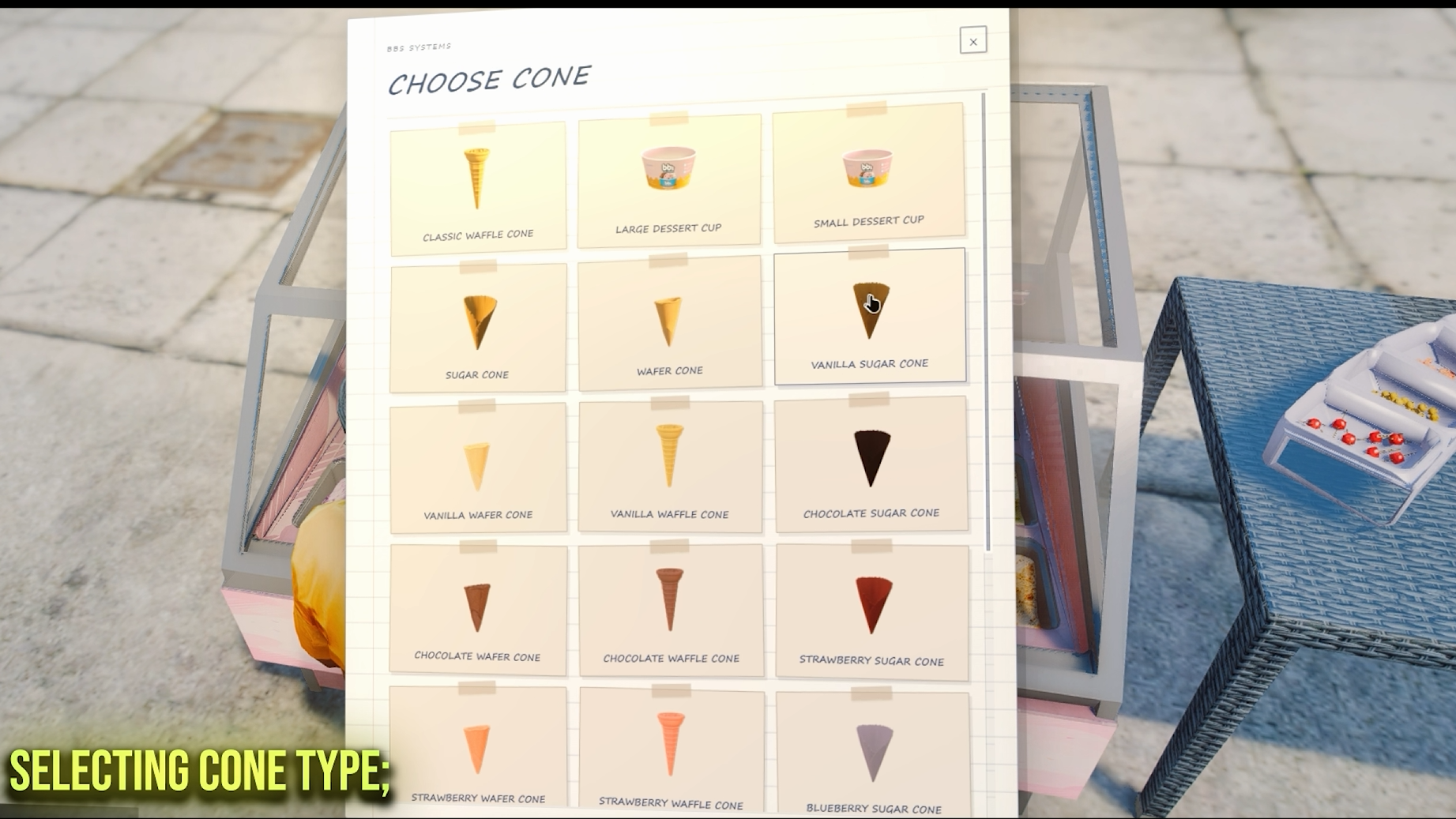
Cone & Cup Selection
Chefs choose from the containers they actually carry, using a visual inventory-backed selection interface.
- 15 flavoured cone variants across waffle, sugar, and wafer styles
- Small and large dessert cups with their own scoop layouts
- Only cones and cups available in the player's inventory are shown
- Scrollable, image-based interface handles large option lists cleanly
- Selected containers are placed on the display tray before scooping begins
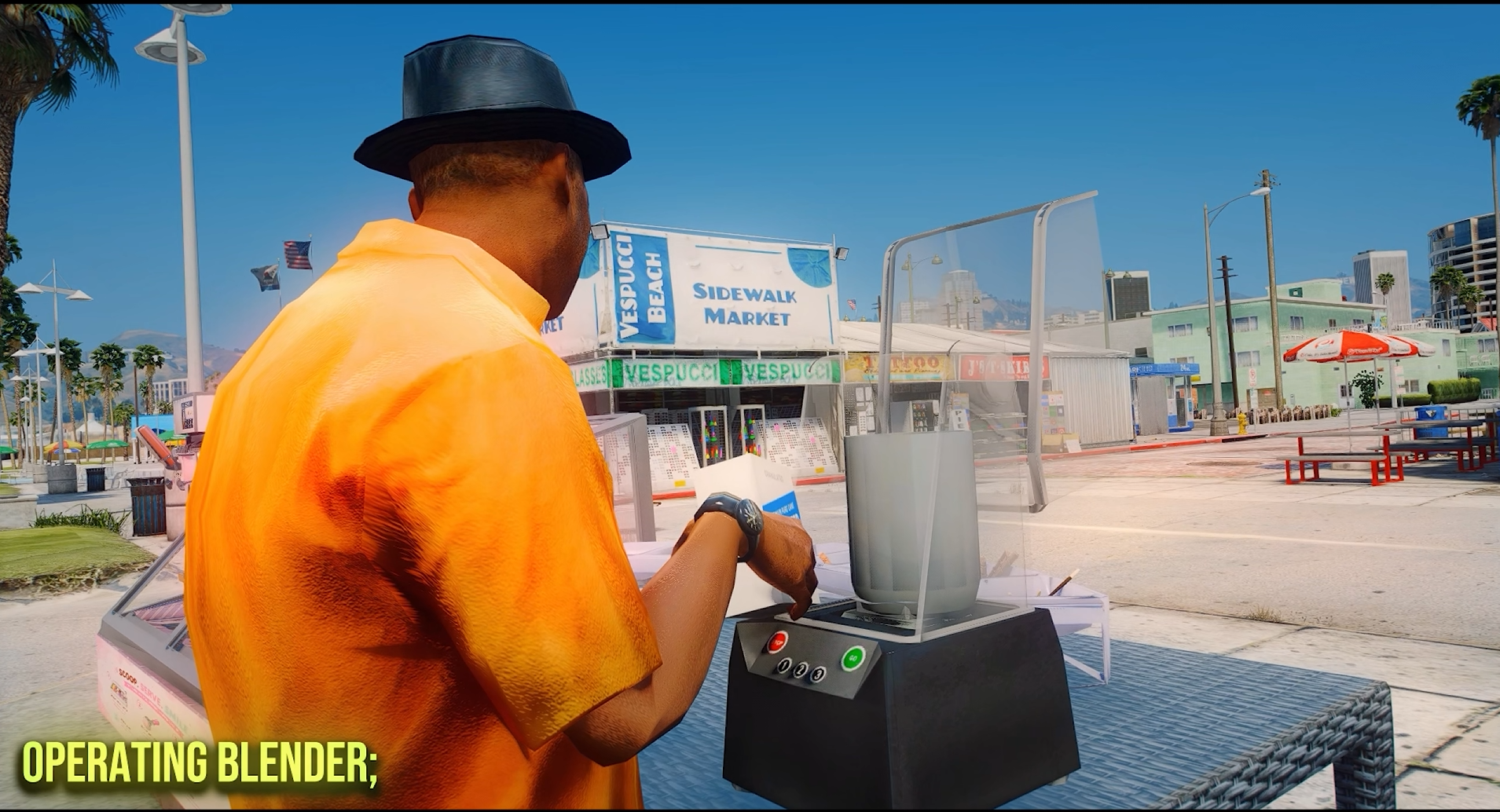
Ice Cream Blender
Produce dispenser blend through a physical ingredient workflow instead of receiving it from a generic crafting table.
- Place the blender anywhere using raycast placement
- Add the pitcher, milk, heavy cream, and one of eight flavour mixes
- Fit the cap and start the complete blending sequence
- The cover closes while the pitcher and cap spin during production
- The finished blend stores its selected flavour in metadata for dispenser refills
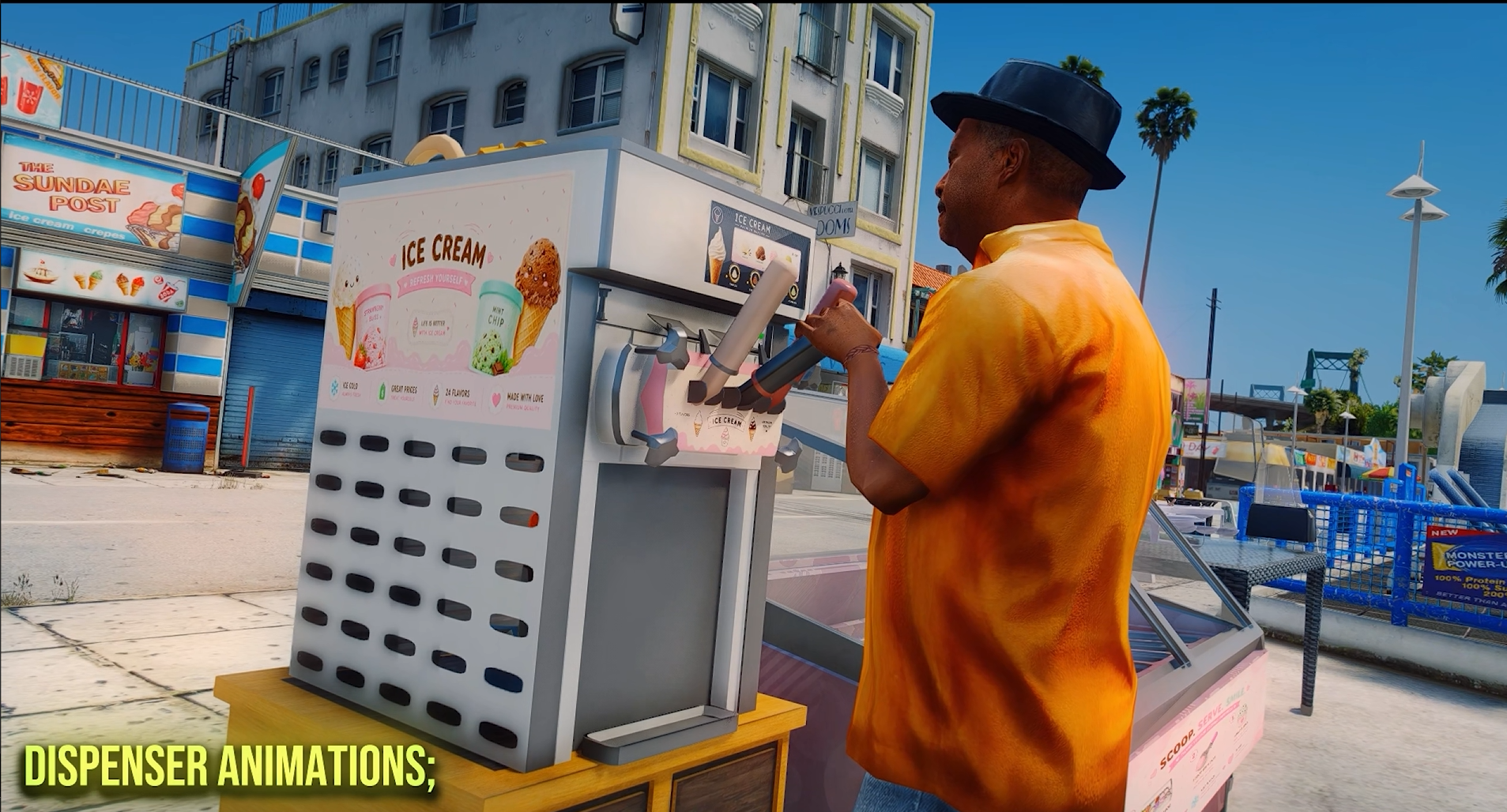
Animated Soft-Serve Dispenser
Create soft-serve ice cream through a multi-stage physical machine sequence.
- Choose only from dispenser cones currently carried in inventory
- Select the available soft-serve flavour through an image-based interface
- The gate closes before the pulley lowers and the machine begins dispensing
- Cream spawns onto the selected cone before the pulley rises and the gate reopens
- Take the completed soft serve directly to the decorator or discard it
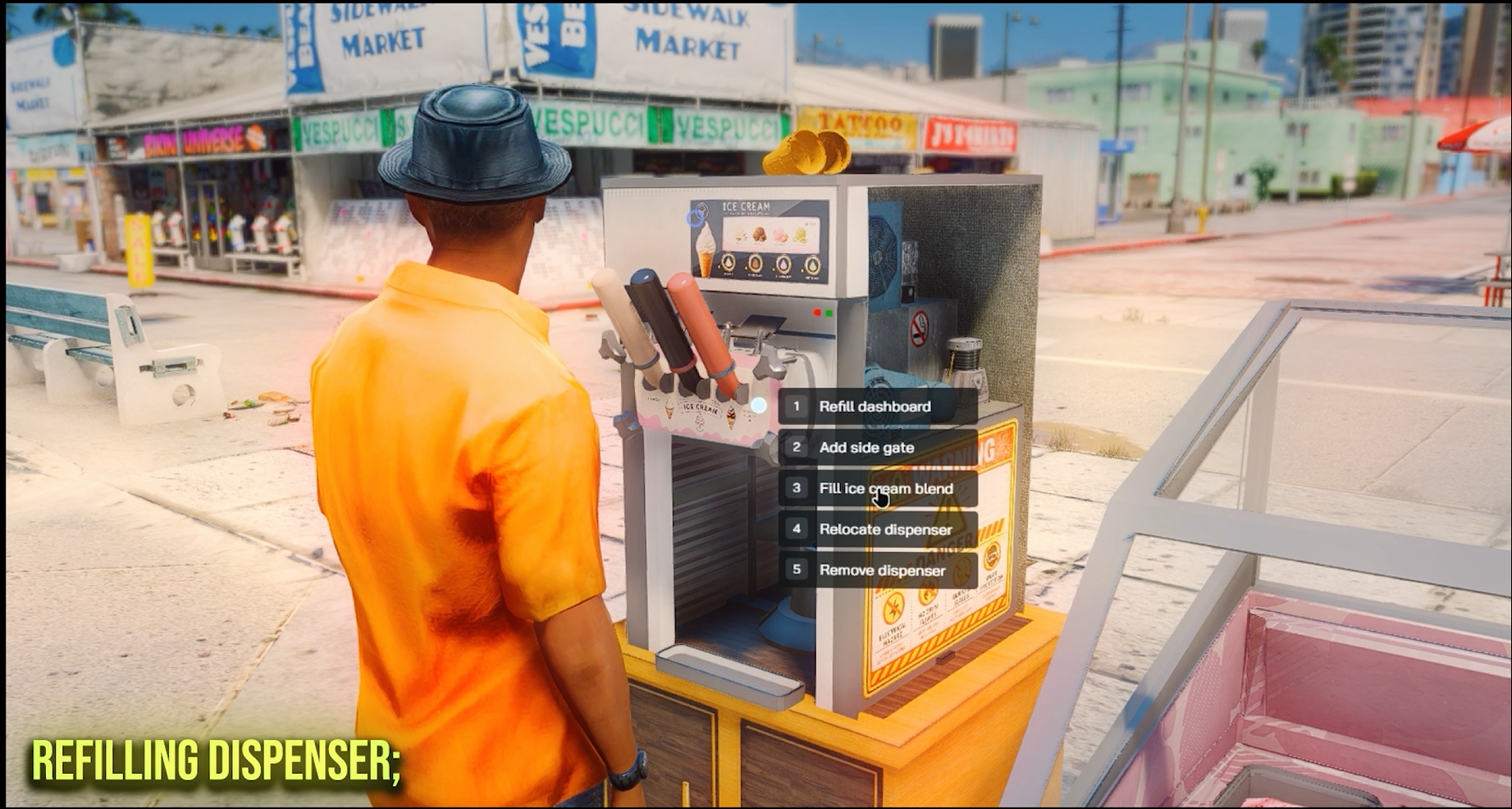
Dispenser Refilling & Machine Parts
The dispenser is assembled from synchronized working parts and maintains separate stock for every soft-serve blend.
- Removable side gate provides physical access for refilling
- Each dispenser flavour has five uses before another blend is required
- Refilling consumes the matching finished blender mixture
- The empty blender pitcher is returned after the dispenser is refilled
- Gate, pulley, side panel, cone, and cream state remain synchronized for all players
Hands-On Decoration
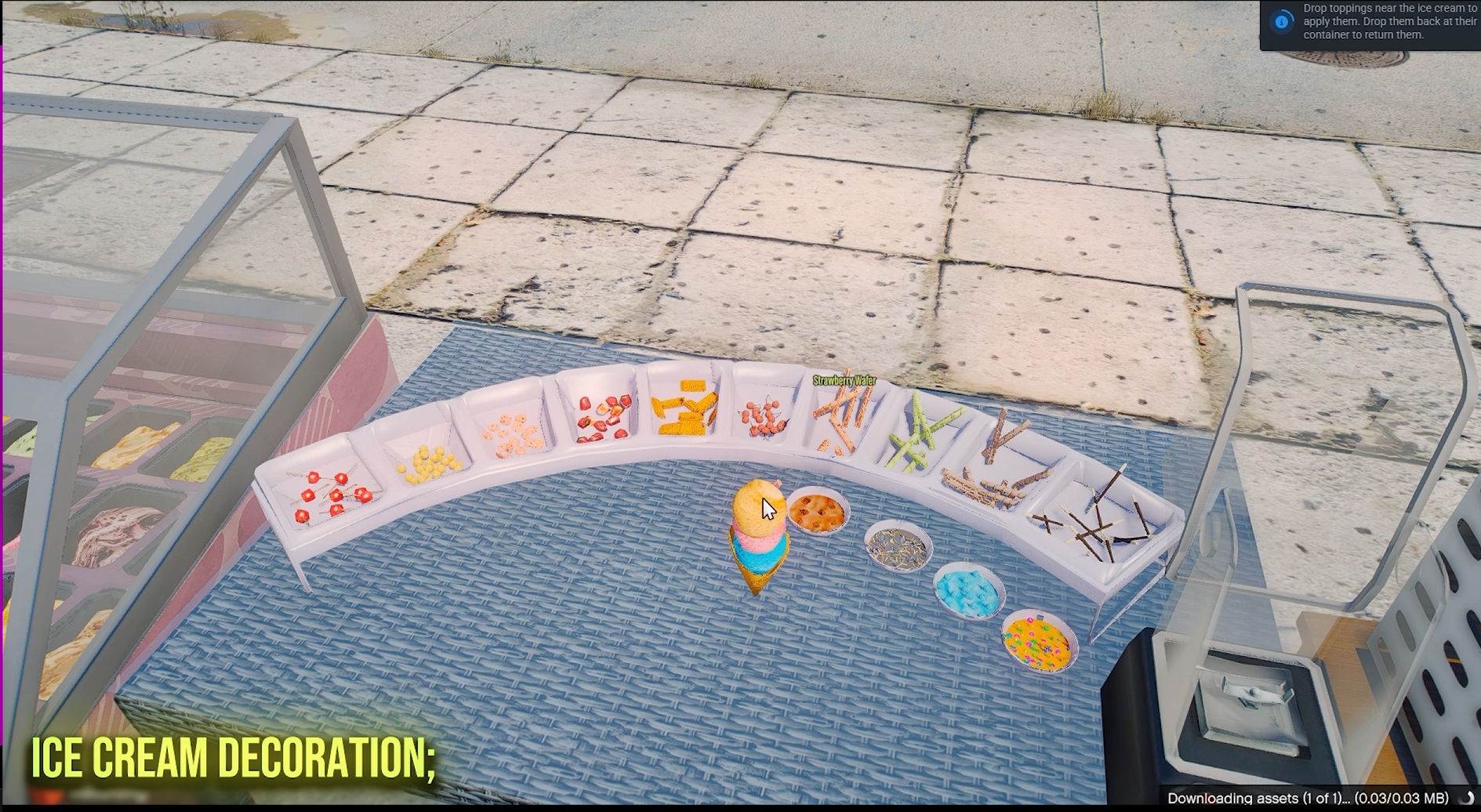
Move the prepared ice cream to the decoration station and build the finished product by dragging toppings onto it.
- Dedicated forced camera presents the complete topping counter
- Drag the visible topping prop toward the ice cream to apply it
- 14 topping choices including fruit, wafers, biscuits, drizzle, pearls, and sprinkles
- Preset toppings use model-specific placement for cones, cups, scoop counts, and soft serve
- Add one of each decoration type before confirming the finished order
Eat It Scoop by Scoop
Multi-scoop cones and cups are eaten one scoop at a time, with a custom animation for each.
- Each bite removes the top scoop — and its toppings — until the last one is finished
- Eat the next scoop or put the ice cream back in your inventory between bites
- Single scoops and dispenser soft serve are eaten in one go
- Custom eating animations — a lick for cones, a spoon for dessert cups
- Fully configurable: enable per-scoop eating or one-go, and set the bite duration

Customer Ordering System
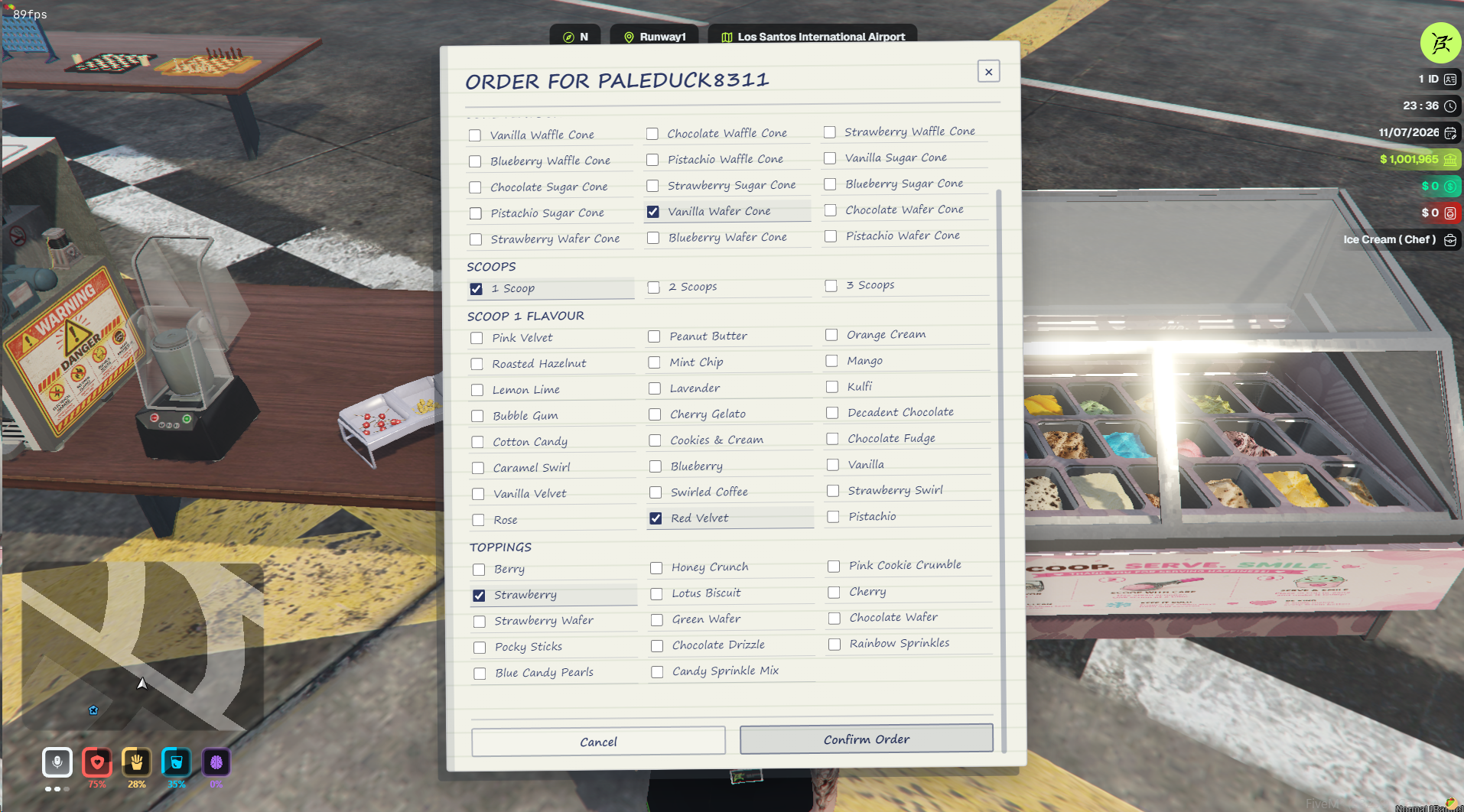
Customers send detailed orders to nearby chefs through a themed notepad interface.
- Select a display cone, dispenser cone, small cup, or large cup
- Choose the exact cone flavour and required scoop count
- Set an individual flavour for every requested scoop
- Select all required toppings before confirming the order
- The requesting player is notified when the chef receives the order
Chef Order Pad
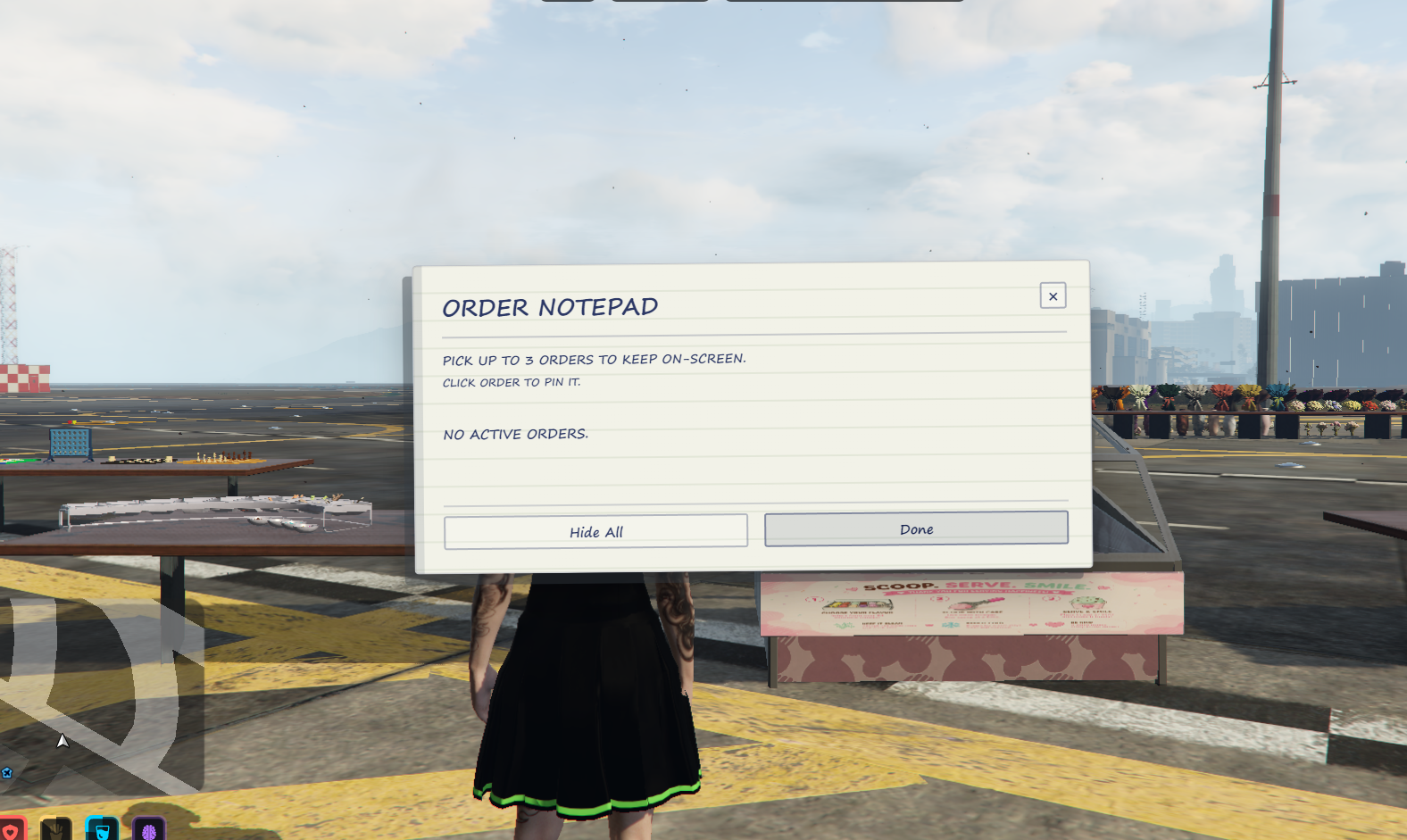
Chefs can review, pin, manage, and complete incoming orders without losing track during service.
- Open the notepad-style order list with a command
- Pin up to three selected orders on screen at one time
- Review every cone, scoop flavour, and topping requirement
- Complete and remove fulfilled orders directly from the order pad
- Orders remain assigned to the chef who requested them
Ice Cream Recipes
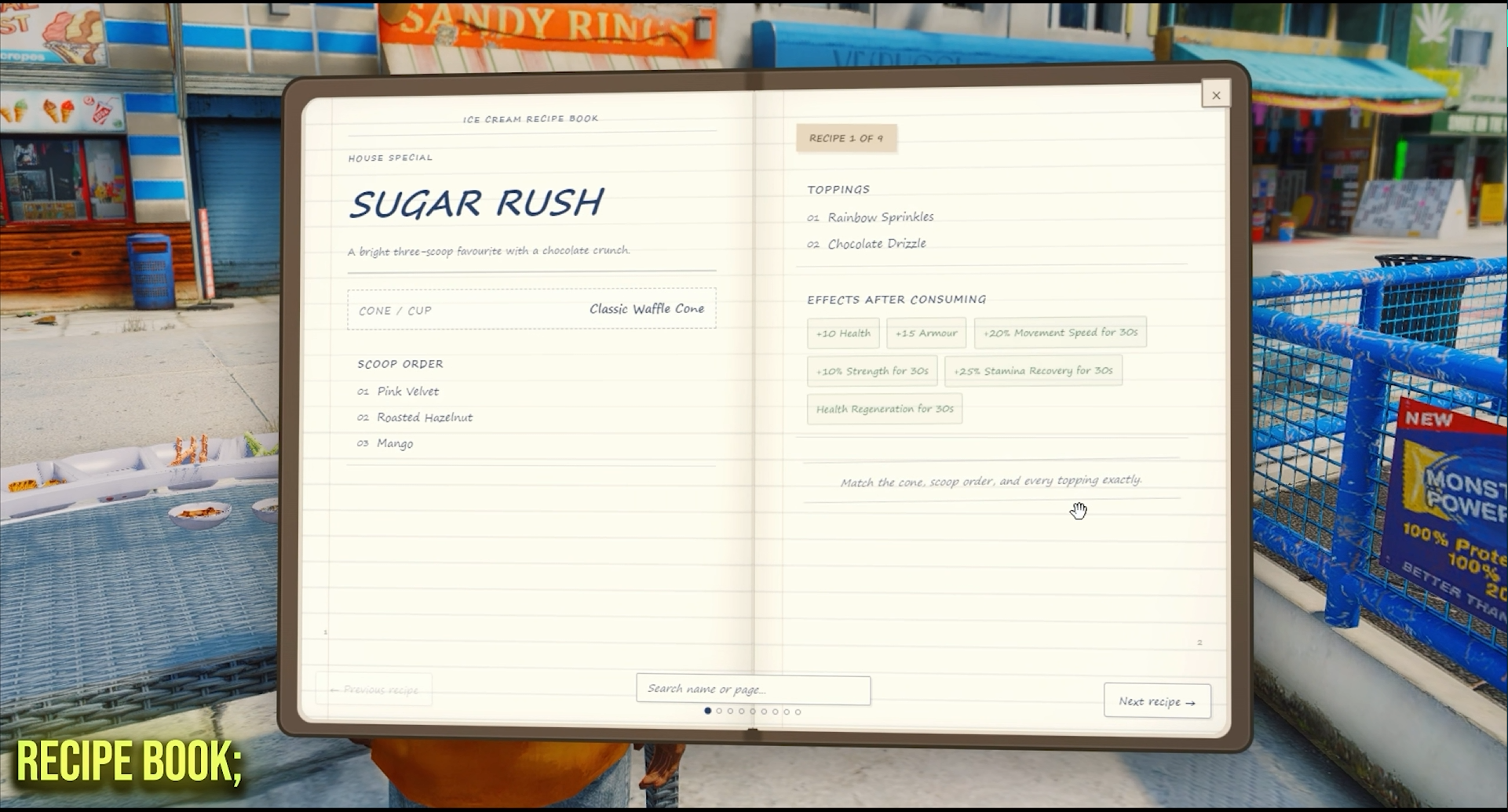
Turn specific scoop and topping combinations into named signature recipes worth building.
- Configurable recipes matched by exact container, scoop order, and toppings
- In-game Recipe Book with live search, opened by command and permission-gated per job
- Eating a matched recipe grants effects — hunger, thirst, stress relief, plus configurable buffs
- Effects apply per scoop, so multi-scoop signature cones reward every bite
- Add your own recipes in a single shared config file, no core edits needed
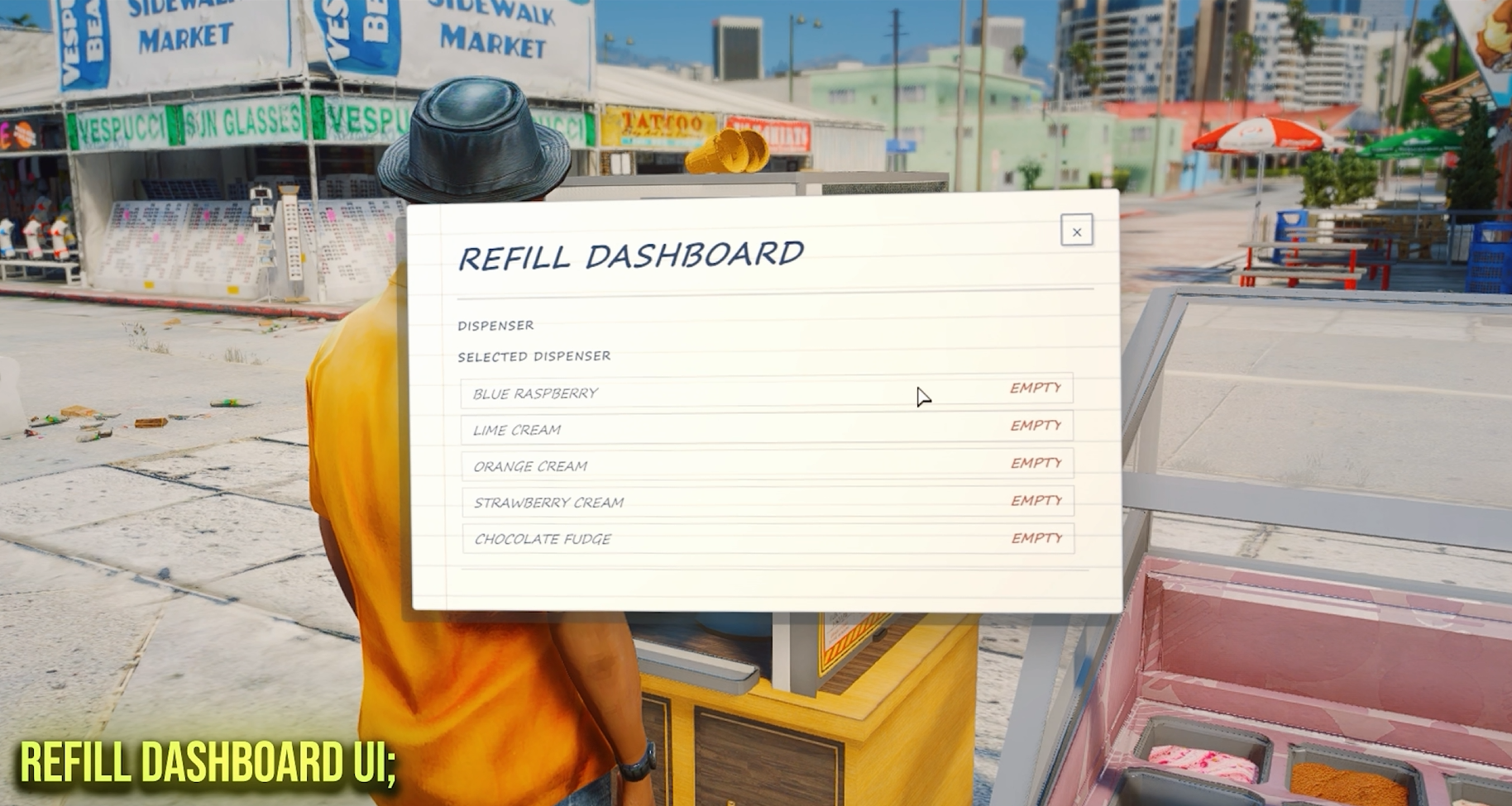
Refill Dashboard
Check workstation stock before service slows down.
- View remaining uses for the specific display or dispenser being targeted
- Low and empty stock is clearly highlighted
- Display flavours and dispenser blends are tracked independently
- Configurable low-stock warning threshold
- No unrelated workstation stock is mixed into the selected machine view
Persistent Workstations
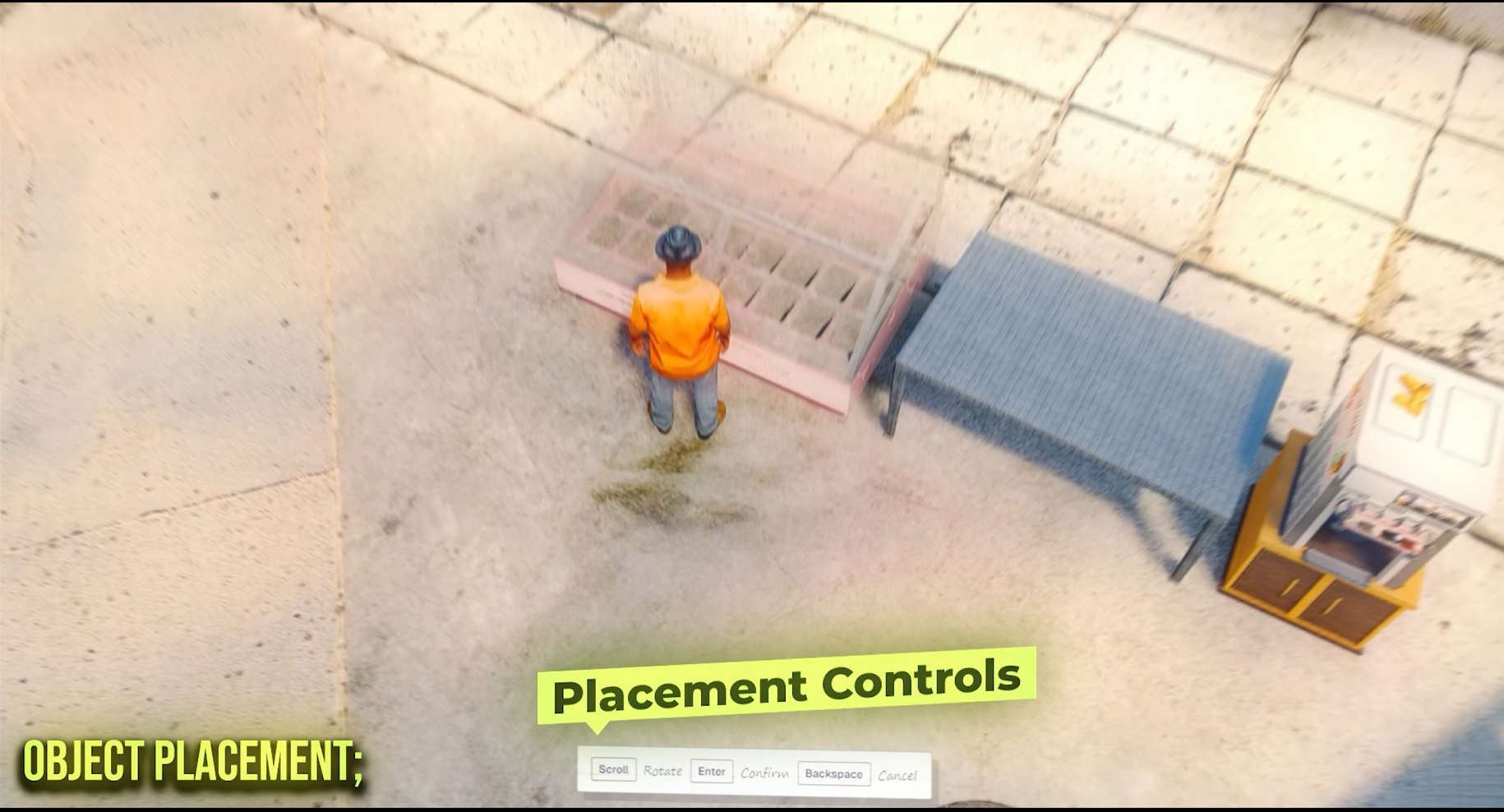
Place the complete ice cream setup wherever it fits your restaurant.
- Admin raycast placement for displays, decorators, dispensers, and blenders
- Relocate or remove individual workstations cleanly
- Placement, stock, machine parts, and active product state are saved
- Workstations rebuild correctly after resource and server restarts
- Included calibration commands make custom model alignment easier
Inventory Images
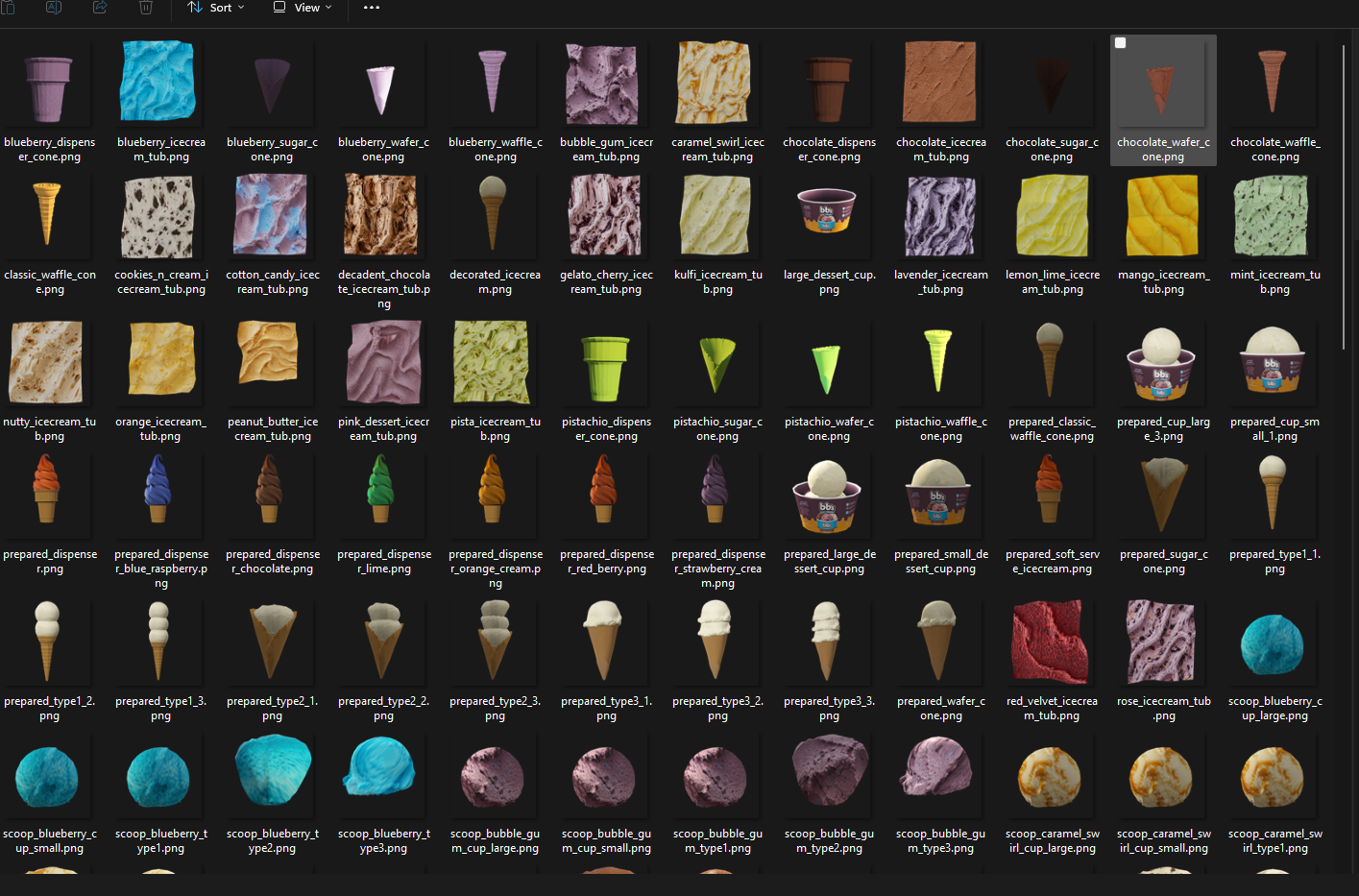
All ingredients, equipment, containers, refills, and prepared outputs are ready for installation.
- 70 complete item definitions with labels, weights, descriptions, and images
- Ready-made ox_inventory, QBCore/Qbox, and ESX item files
- Non-stackable prepared outputs preserve per-item metadata
- 100x100 inventory and interface images included
- Detailed installation README included with the resource