Youtube
 Join our Discord
BBS Hot Dog System
A complete, framework-agnostic FiveM hot dog cart resource with portable persistent carts, physical ingredient stock, staged stove cooking, hands-on hot dog assembly, synchronized animations, stock management, and fully assembled inventory items.
- Place, stock, operate, move, empty, and pack complete hot dog carts
- Buns, sausages, four toppings, three sauces, and physical stock containers
- Multi-stage bun dipping, slicing, toasting, sausage cooking, decorating, serving, and eating
- React stock dashboard with restocking and per-item or complete stock withdrawal
- Framework, inventory, target, notification, callback, and hunger bridge support
Interactive Hot Dog Cart
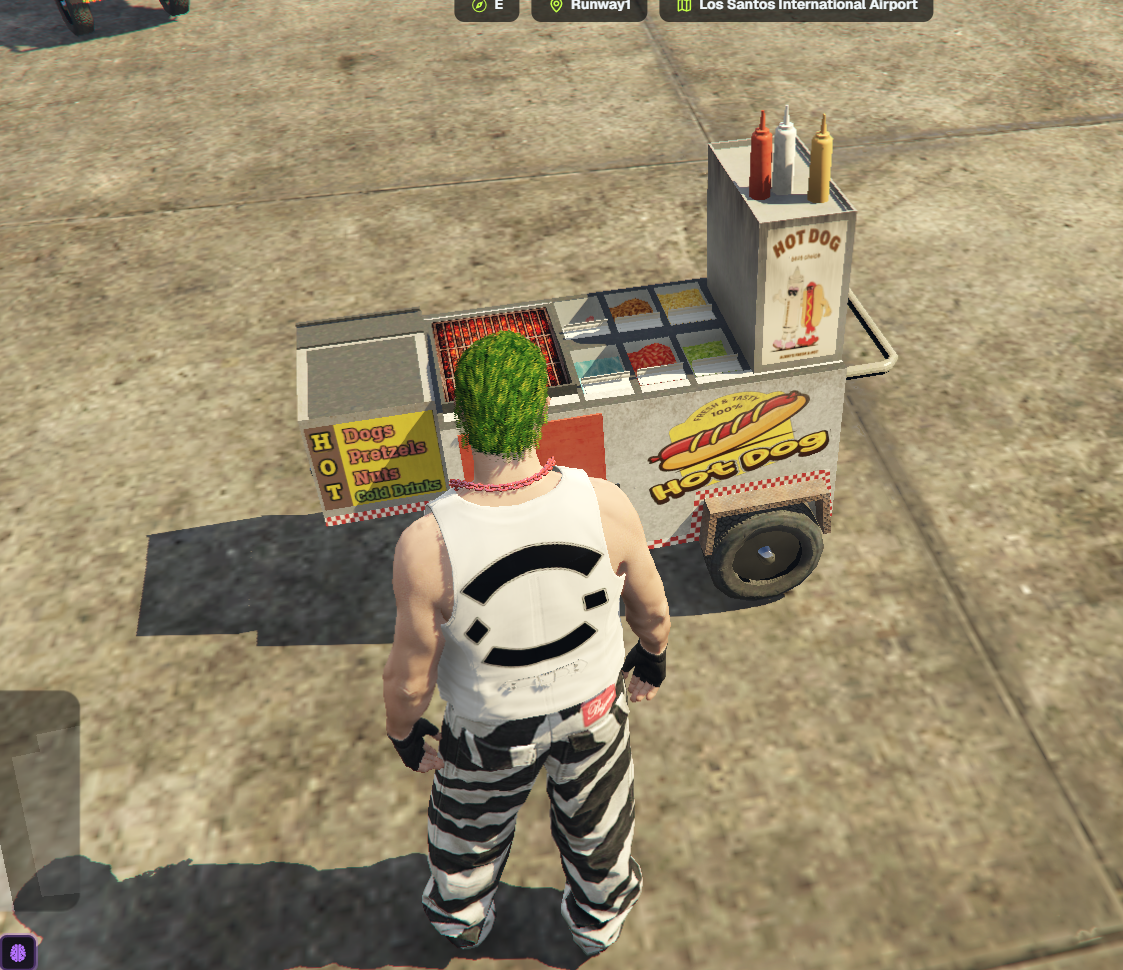
Run the complete hot dog workflow from a physical street-food cart assembled from synchronized working components.
- Detailed custom cart with stove, bun pack, water container, sausage display, toppings, sauces, and serving area
- Operate the stove and every cooking stage through the configured target system
- Use three physical bun slots and three sausage slots independently
- Stove, stock, grill stages, assembled products, and ready hot dogs remain attached to the correct cart
- Nearby carts stream in and out automatically using configurable distances
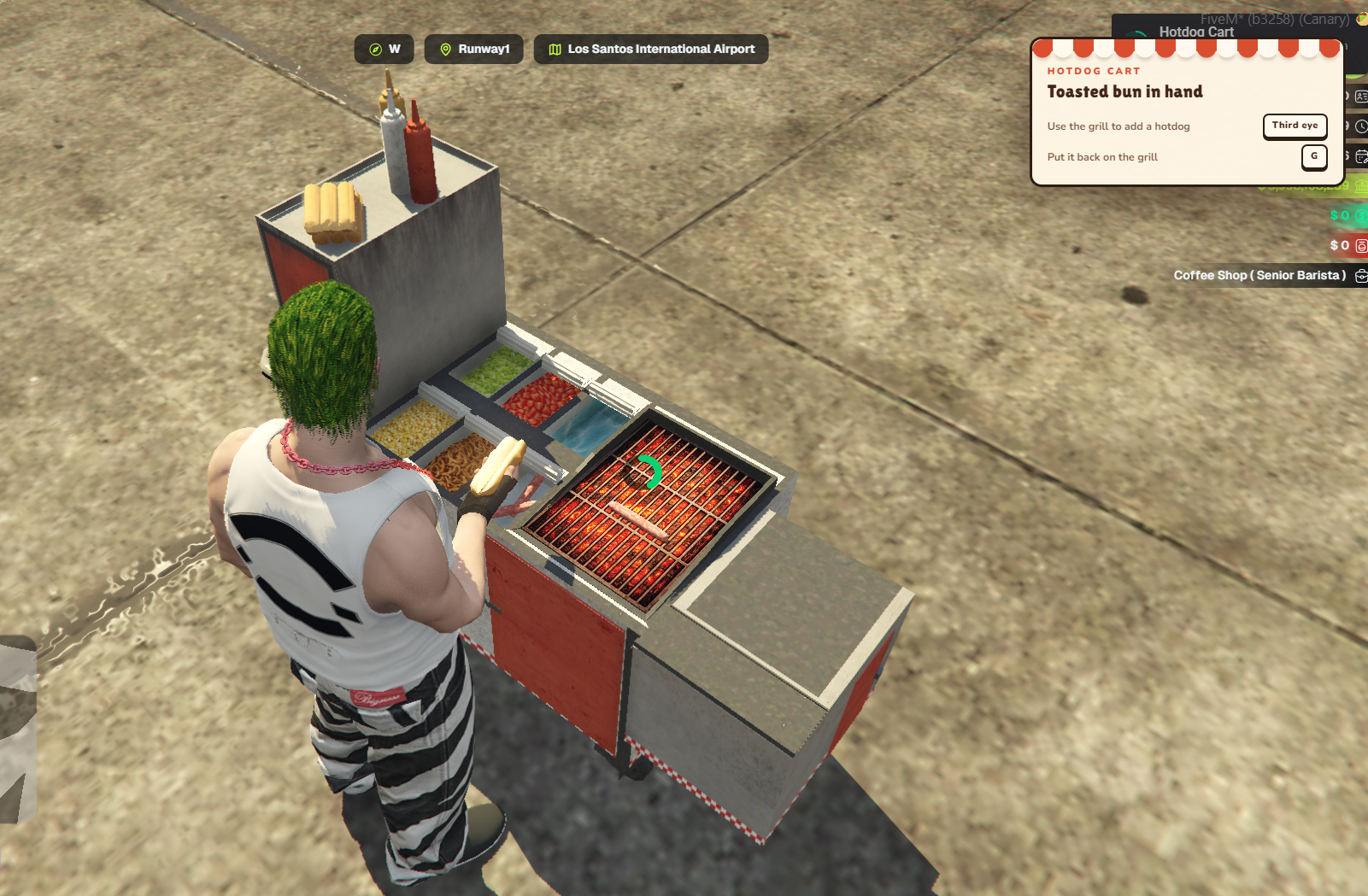
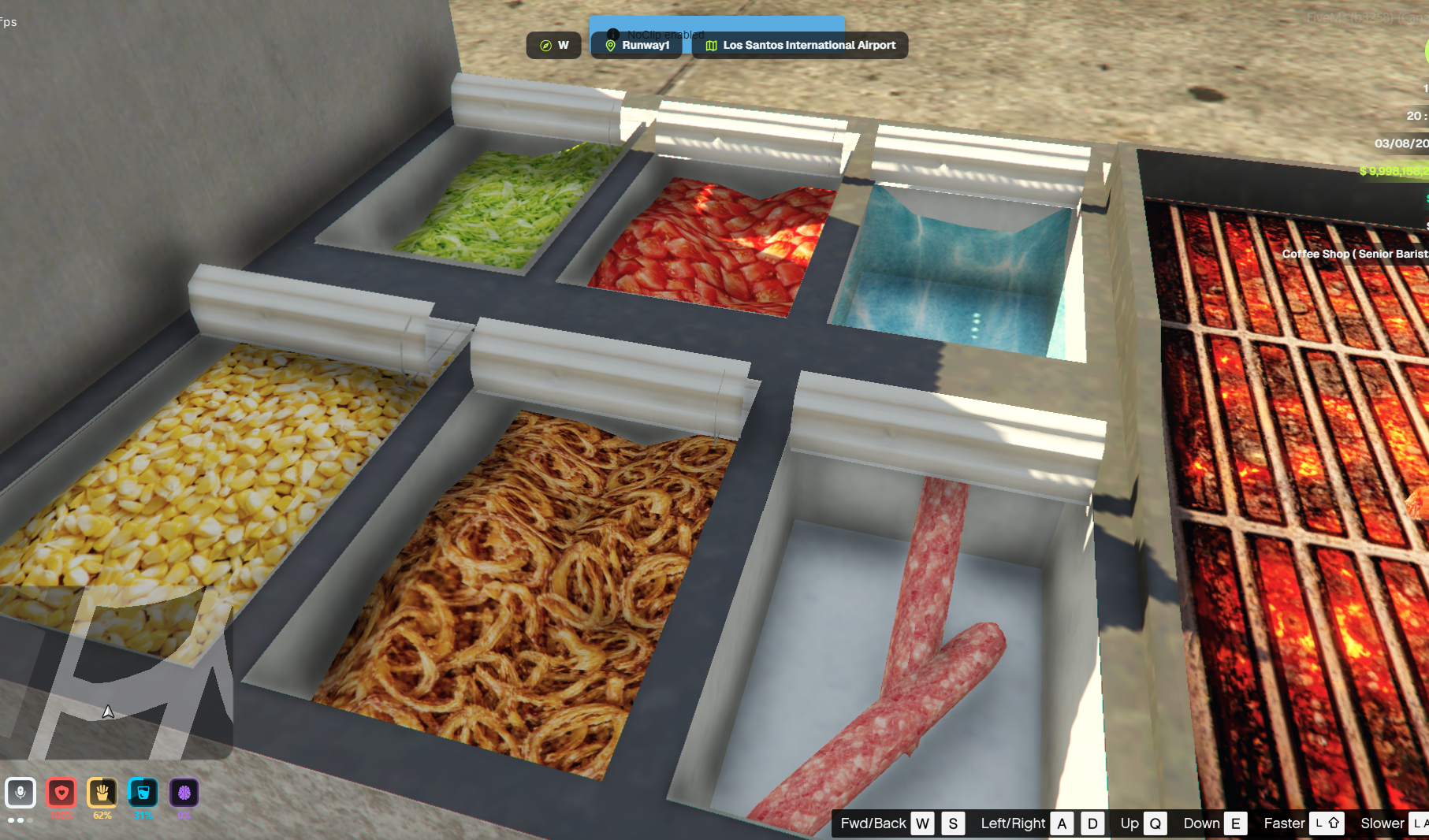
Physical Ingredient Stock
Every finite ingredient is stored in its own visible cart fixture and depletes as hot dogs are prepared.
- The bun pack holds 10 buns while the sausage container holds 20 sausages
- Four refillable topping containers hold 20 servings each
- Visible sausage props scale with remaining stock and topping containers swap to an empty model at zero
- The physical bun sack disappears when its stock becomes empty
- Ketchup, mayonnaise, and mustard remain configurable unlimited cart fixtures
- Bun, sausage, and topping stock persists across resource and server restarts
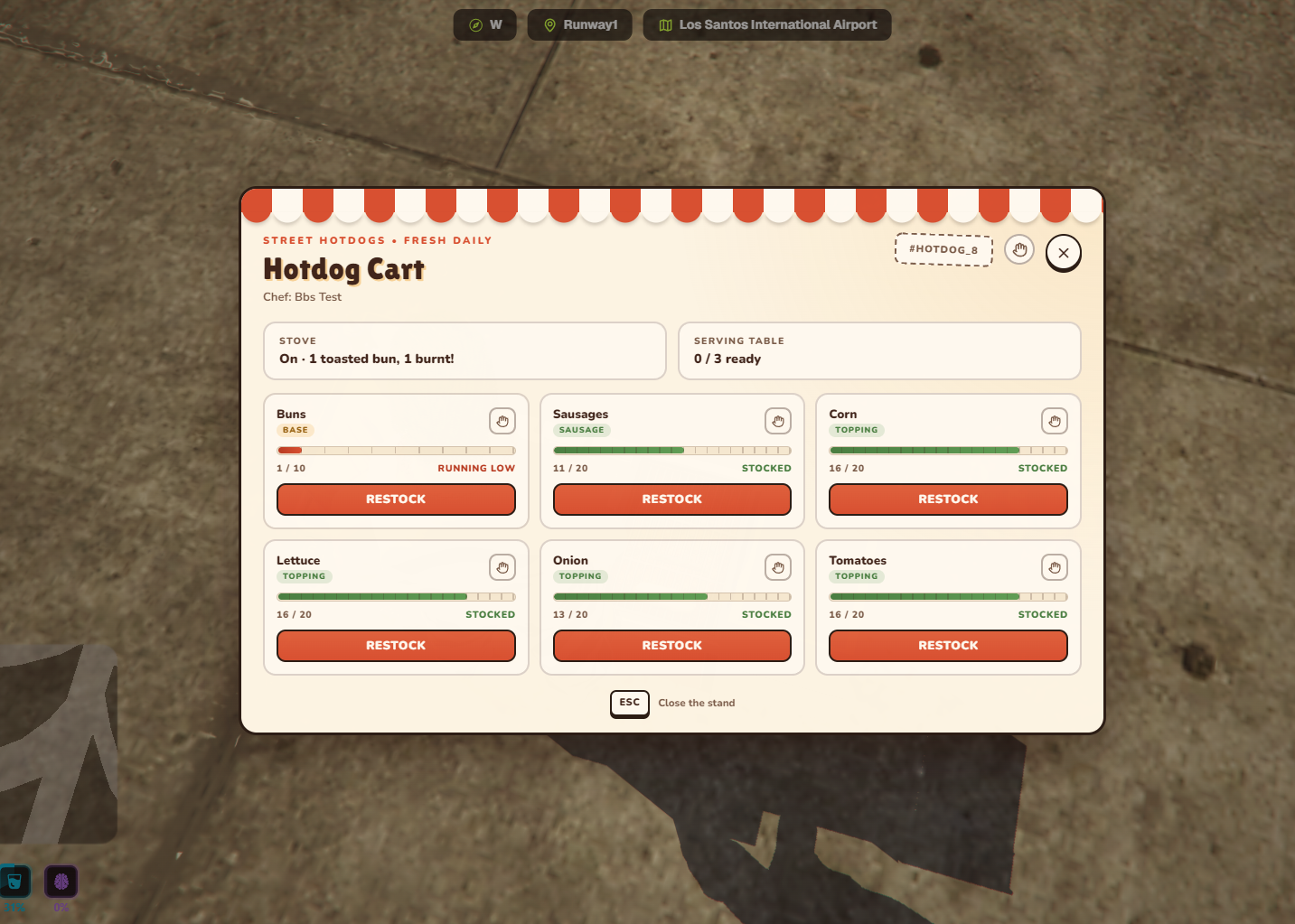
Stock Dashboard
Review and manage the selected cart through a purpose-built interface that matches the hot dog cart theme.
- Every finite supply displays its real remaining stock and configured capacity
- Individual Restock buttons consume the matching refill item from inventory
- Hand controls return all remaining stock from one selected supply
- A top-level hand control withdraws every eligible stock item from the cart
- Stocked, half, running-low, and empty states are clearly highlighted
- Stove state and serving-table capacity are displayed on the same dashboard
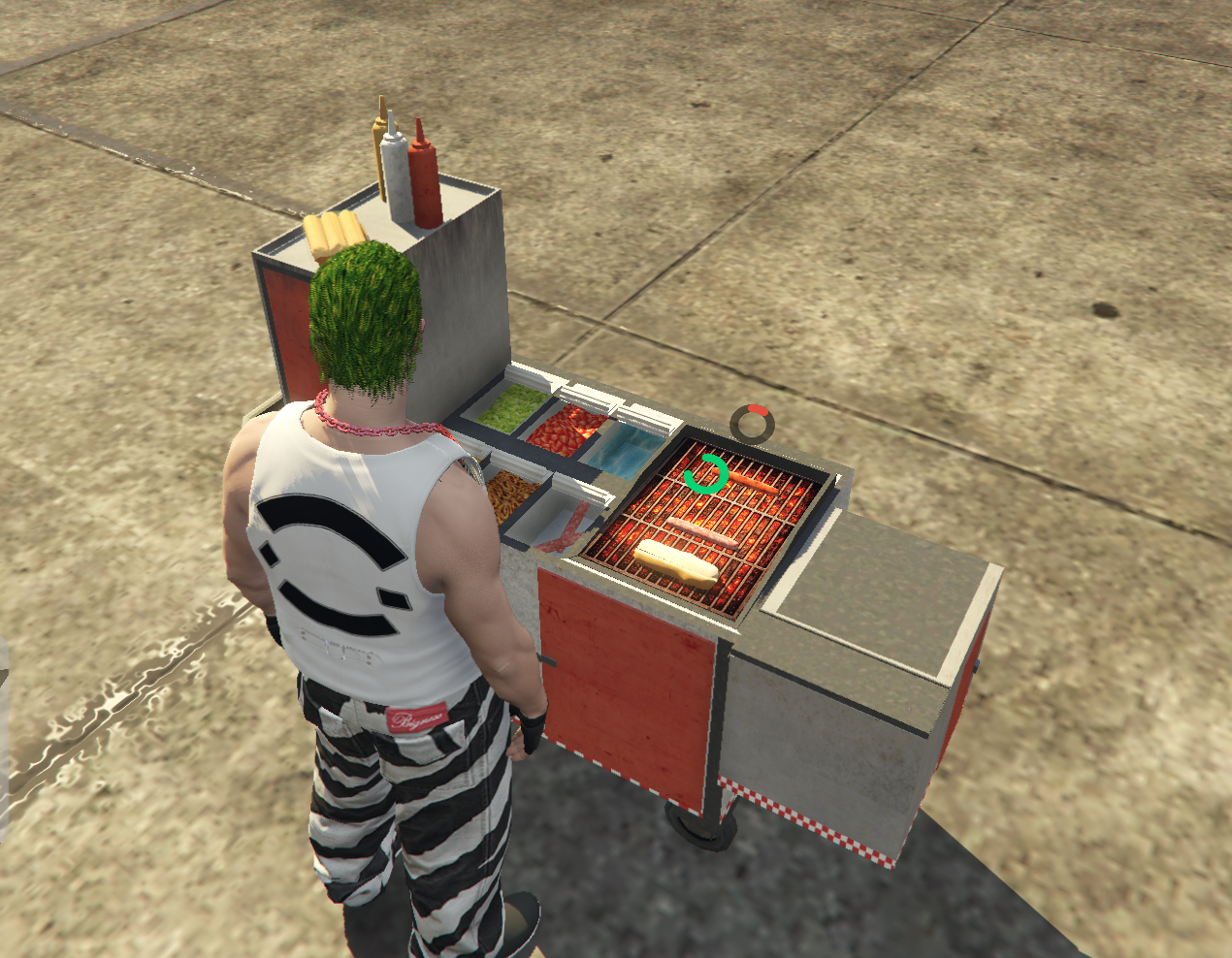
Staged Stove Cooking
Prepare every bun and sausage through a physical cooking sequence instead of receiving a finished hot dog from a generic crafting menu.
- Take a bun from the visible pack, dip it into the water container, and place it on the stove
- Slice the wet bun open with a visible knife prop before toasting it
- Place raw sausages into free grill slots and turn the synchronized stove on
- World-space progress rings display bun toasting, sausage cooking, and burning progress
- Cooked sausages burn if they remain on the running stove for too long
- Take the toasted bun, add a cooked sausage, or discard a burnt one before continuing
Hands-On Hot Dog Assembly
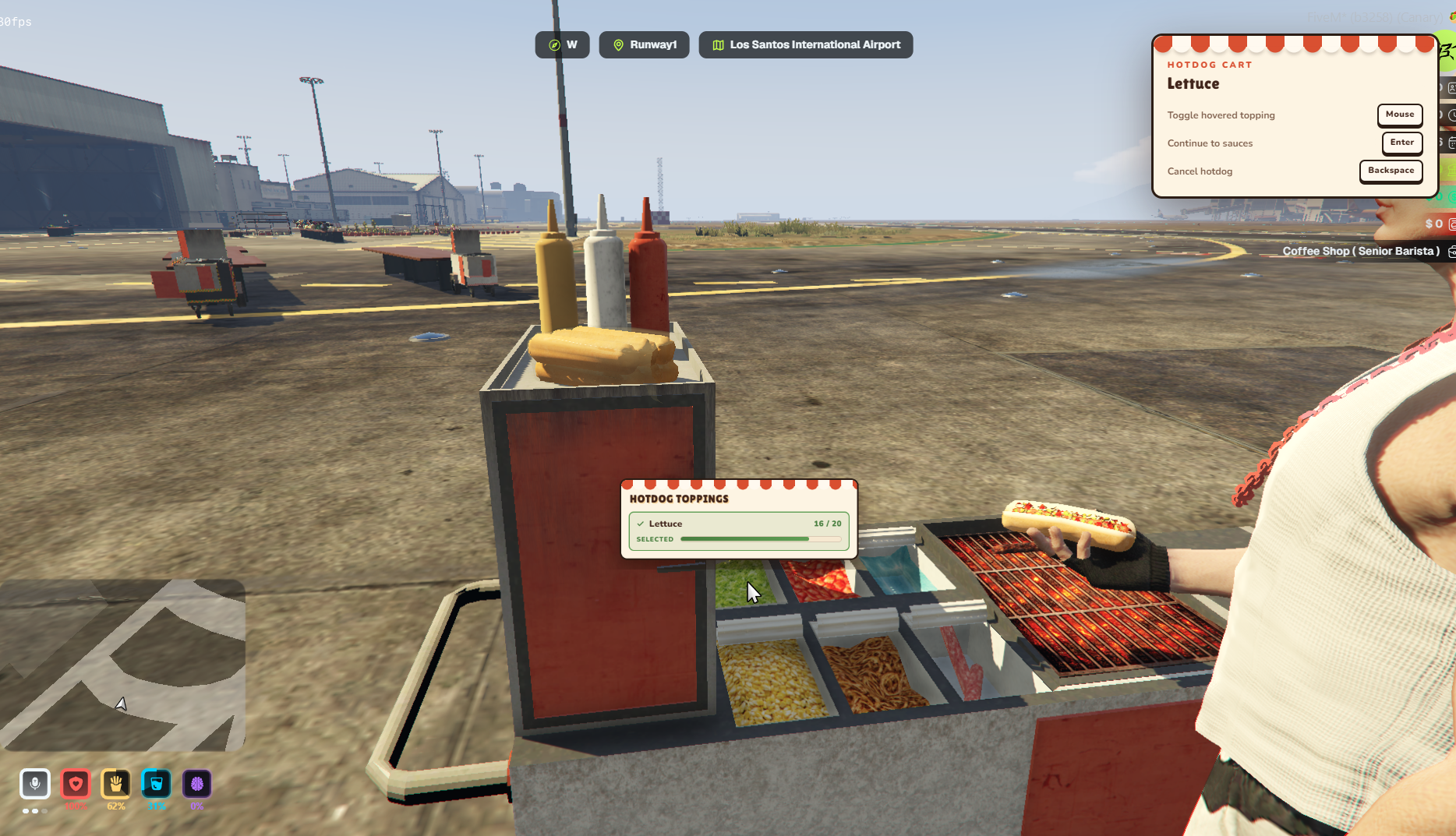
Build the hot dog from the cart itself with a focused preparation camera and physical ingredient selection.
- A scripted camera presents the complete topping counter from the chef's side
- Move over a container or bottle to view its ingredient and exact remaining stock
- Select any combination of corn, lettuce, onion, and tomatoes
- Empty topping containers cannot be selected until matching stock is added
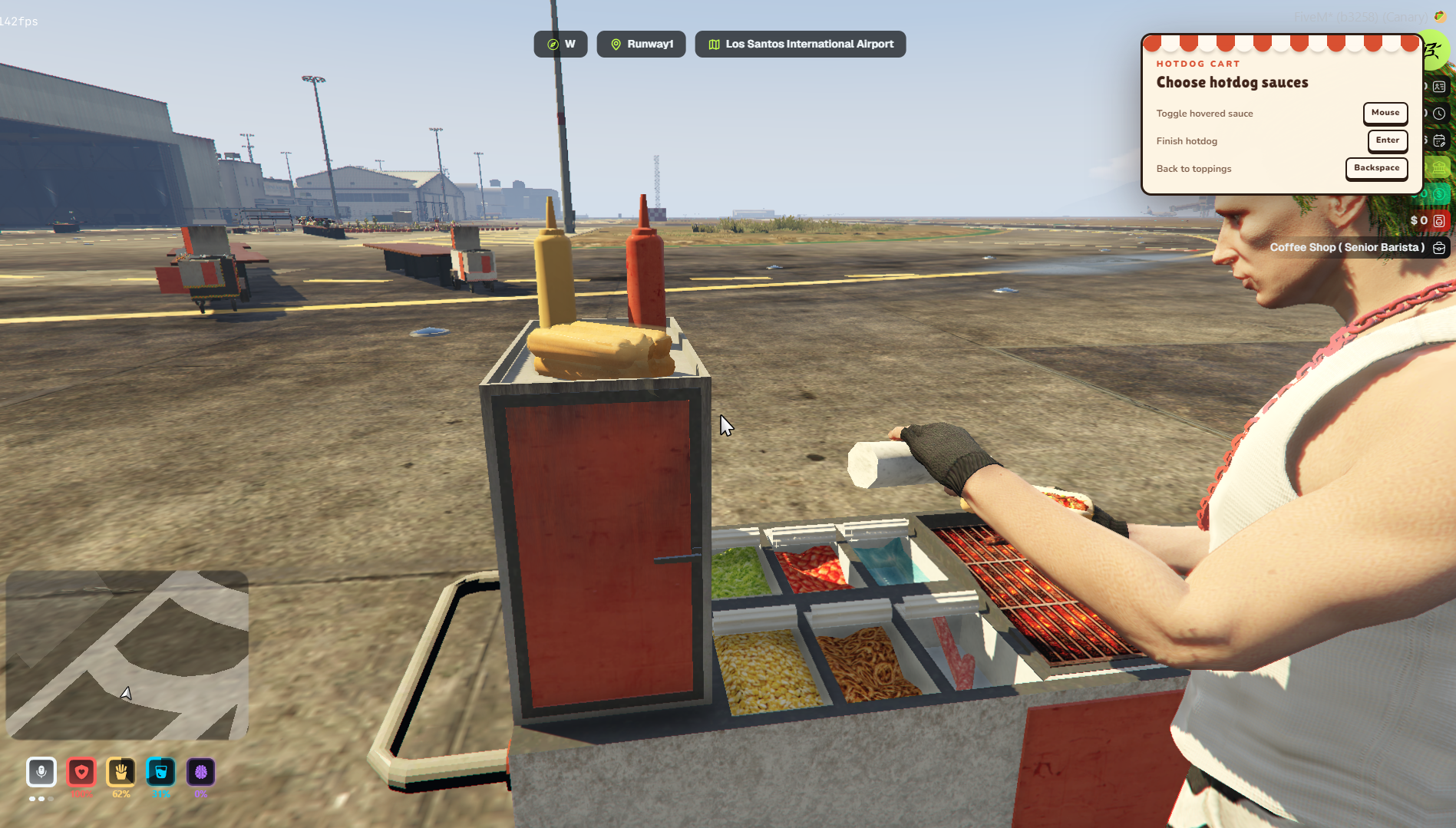
- Add ketchup, mayonnaise, and mustard from the fitted cart fixtures
- Every selected topping and sauce is physically assembled onto the hot dog prop
Custom Animations & Hand Props
The chef visibly handles the bun, assembled hot dog, knife, and sauce bottle throughout preparation.
- Custom pose for holding the bun and prepared hot dog
- Physical bun-dipping sequence and synchronized knife-slicing action
- Custom decoration animation while applying sauces
- Custom full eating animation for the completed hot dog
- Dedicated cart-pushing pose while moving the portable cart
- Nearby players see the correct animations and attached hand props through replicated statebags
Serving & Ready Hot Dogs
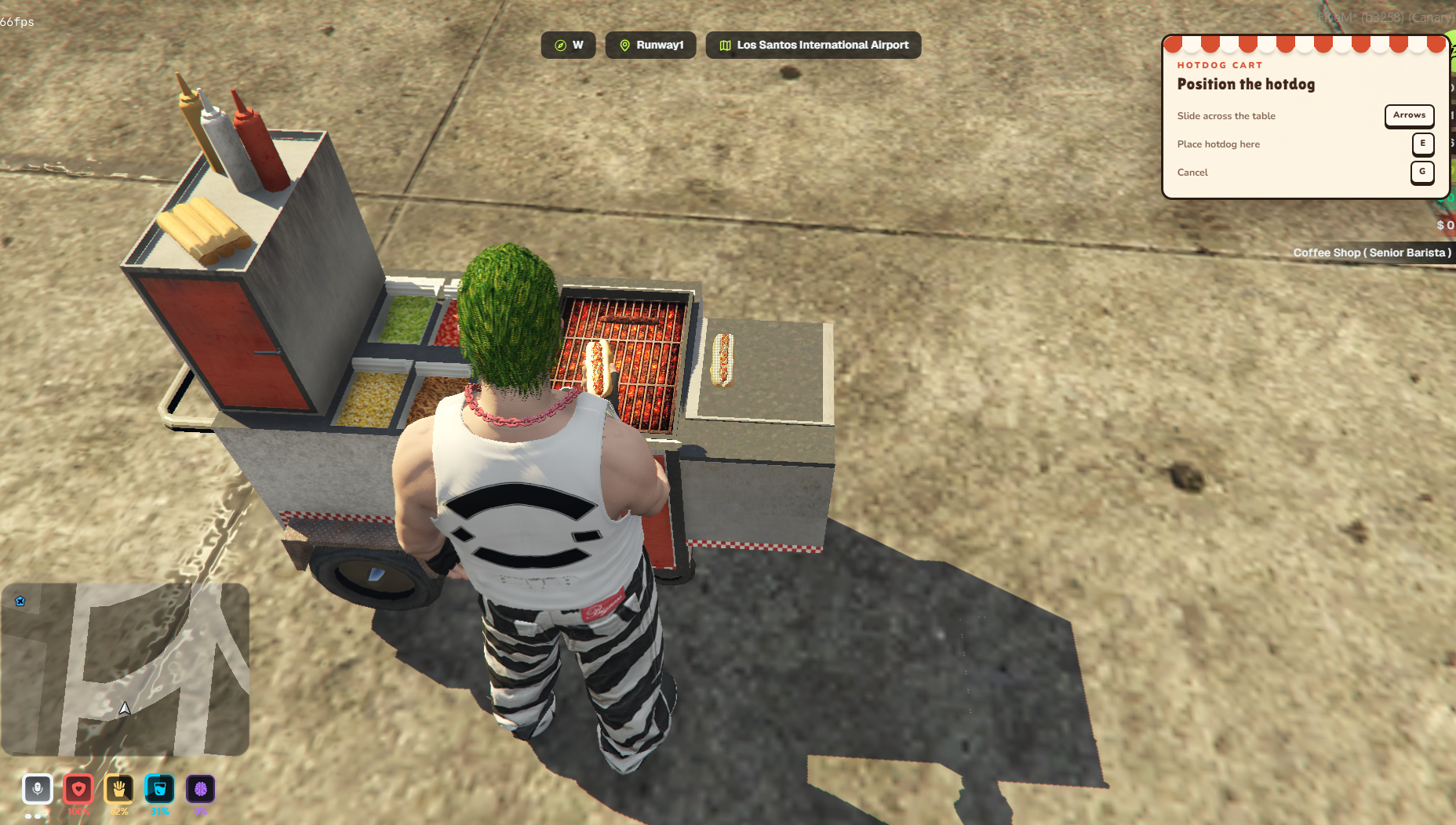
Place completed hot dogs onto the physical serving area for another interaction step before inventory pickup.
- Position the completed hot dog across a configurable section of the serving counter
- Up to three prepared hot dogs can remain visible on a cart by default
- Each hot dog keeps its selected toppings, sauces, position, and unique identity
- Pick up a specific ready hot dog through its own small target zone
- Serving-table state remains synchronized for all nearby players
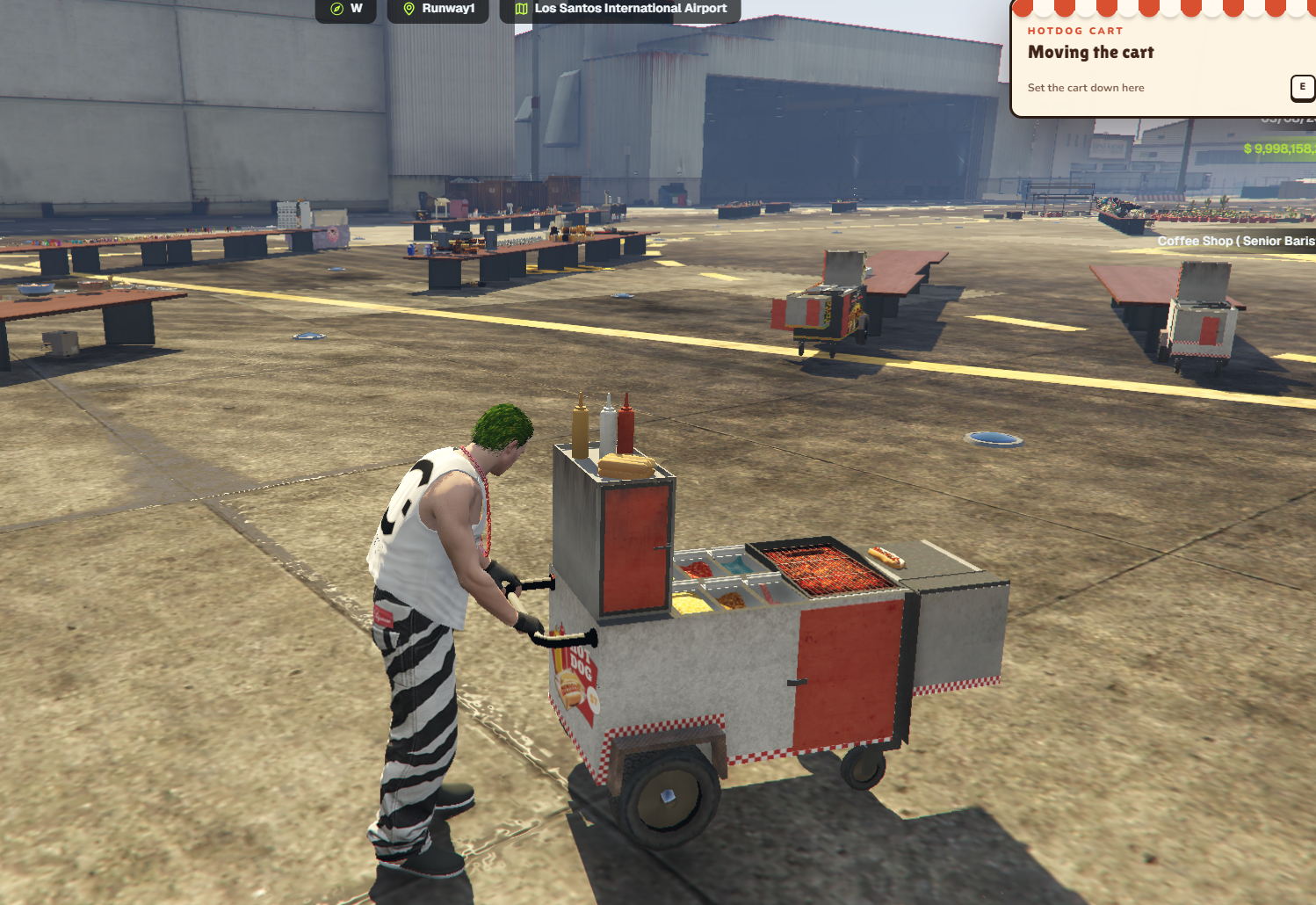
Portable Hot Dog Carts
Move the working cart to a new service position without losing the cart or anything stored inside it.
- Grab the cart from its handle side through the configured target system
- The complete cart and all current contents remain attached while it is moved
- A custom pushing pose plays continuously while the player walks
- Press the configured placement control to set the cart down at its new position
- Nearby players see the mover, cart, stock, stove state, grill contents, and ready hot dogs together
- Empty the stock, grill, and serving area to pack the cart back into inventory